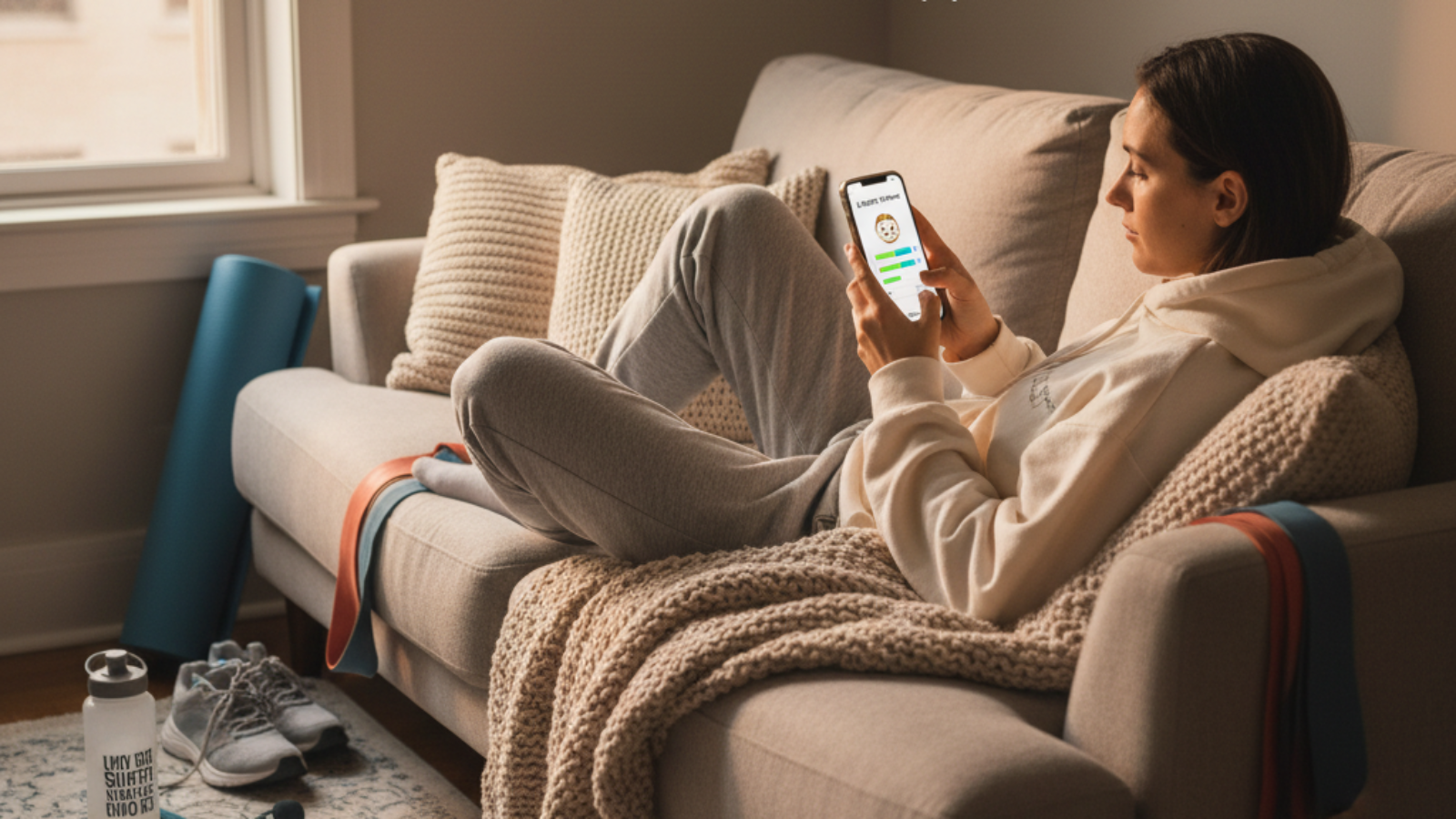
What is Lazy Fit? A Quick Overview for Beginners
Lazy Fit is a mobile fitness app made for people who want to get healthy at home with little equipment or experience. The app focuses on simple, equipment-free workouts you can do at home, making fitness easy and fun for all ages and levels.
Key Features Highlighted in Lazy Fit App Reviews
- Beginner-friendly, no-equipment workouts
- Customizable fitness challenges
- Personalized recommendations
- Daily reminders and motivation tools
- Easy progress tracking
- Integration with other health apps
Who Should Use Lazy Fit? Target Users Explained
Lazy Fit is for anyone who wants to exercise at home, especially if you are new to fitness, busy, or do not have gym equipment. It is great for students, adults with full schedules, seniors, and anyone looking for low-impact routines.
Step-by-Step: How to Set Up Lazy Fit for Maximum Results
1. Downloading and Creating Your First Profile
- Go to your device’s App Store (Google Play or Apple App Store).
- Search for “Lazy Fit” and tap “Install.”
- Open the app after downloading and tap “Sign Up.”
- Enter your email, create a password, and fill in your basic information.
- Set your fitness goal, like ‘Lose weight,’ ‘Get stronger,’ or ‘Stay active.’
2. Navigating the Dashboard and Customization Options
- After logging in, you will see the Dashboard.
- Explore the main tabs: “Workouts,” “Challenges,” “Progress,” and “Settings.”
- Tap “Settings” to adjust your workout reminders and app notifications.
- Use the “Profile” section to update your goals and preferences anytime.
3. Choosing the Right Lazy Fit Challenges and Programs for Your Goals
- Go to the “Challenges” tab.
- Review featured programs like “14-day Full Body,” “Morning Yoga,” and “Wall Pilates.”
- Tap on a challenge for more details, then hit “Join” if it matches your goal.
- Adjust the difficulty if needed. Most programs let you pick beginner, intermediate, or advanced.
How to Use Lazy Fit App Daily: Pro Tips from Real Users
1. Building a Routine with Equipment-Free Workouts
- Pick a workout time that fits your day, like before school or after dinner.
- Open the app and follow along with guided video workouts.
- Complete each exercise, resting as the app suggests.
- Try to finish your workout 3-5 times a week for best results.
2. Using Progress Tracking and Personalized Recommendations
- After each session, mark your workout as “Completed.”
- Open the “Progress” tab to see your workout streaks and achievements.
- Check personalized suggestions for new workouts as you improve.
- Use reminders to help you stay consistent through notifications.
3. Motivation Tools: Reminders, Rewards, and Accountability
- Set daily reminders for workouts in the Settings tab.
- Earn “badges” and rewards by completing challenges and streaks.
- Invite friends or family to join the app and share results for accountability.
Common Issues & Troubleshooting Lazy Fit
1. App Crashes, Login Problems, and Quick Fixes
- If the app crashes, close it and restart your device.
- If you cannot log in, check your email and password. Use “Forgot Password” if needed.
- Make sure the app is updated to the latest version in the App Store.
2. How to Reset Plans or Change Difficulty Easily
- Go to the “Challenges” tab.
- Tap on your current challenge, then select “Reset Plan.”
- Choose a new difficulty level: Beginner, Intermediate, or Advanced.
- Save changes and start from day one with your new settings.
3. Managing Subscription, Payment, and Cancellation (2026 Update)
- Open the app and go to “Settings.”
- Tap on “Subscription” to view your plan and payment options.
- To cancel, select “Cancel Subscription” and follow the prompts (may redirect to App Store).
- If you have trouble, check the Lazy Fit website for more help or contact support.
How to Make the Most of Lazy Fit: Advanced Tips for Every Fitness Level
1. Mixing Low-Impact Workouts (Chair Yoga, Bed Workouts, Wall Pilates)
- Try “Chair Yoga” if you want a gentle session or need to protect your joints.
- Use “Bed Workouts” for lazy mornings, late nights, or limited mobility.
- “Wall Pilates” offers full-body training with just a wall as support.
- Mix and match these programs to avoid boredom and stay motivated.
2. Customizing Challenges for Seniors, Beginners, or Busy Schedules
- Seniors can pick low-impact and balance workouts.
- Beginners should start with the easiest challenges and shorter durations.
- Busy users can use quick routines, such as 7-minute workouts or “Morning Boost.”
3. Combining Lazy Fit with Other Health Apps and Devices
- Link Lazy Fit to Google Fit or Apple Health in the “Settings.”
- Sync your fitness tracker (like Fitbit or Mi Band) where supported.
- Use the synced data for a complete view of your health habits, including steps, sleep, and calories.
Lazy Fit Real User Experiences and Results (2026)
1. Featured Success Stories: Before and After
- Sophia, 16: “I started with Lazy Fit because I had no time for gym. I lost 6 kg in 3 months and feel more energized every day.”
- James, 46: “Wall Pilates and chair routines helped me stay active while working from home. My posture improved and joint pain reduced.”
- Aria, 64: “I can finally enjoy morning stretching safely thanks to the senior-friendly options. My balance is way better!”
2. Frequently Asked Questions about Lazy Fit (2026 Edition)
- Is Lazy Fit good for absolute beginners? Yes, it is designed for you with easy workouts and lots of guidance.
- Will I lose weight with Lazy Fit? You can, especially by following the programs regularly and making healthy food choices.
- Are there hidden fees? The app has a free version, but some advanced features need a paid subscription. Prices are shown before you subscribe.
- Do I need gym equipment? No, most workouts use just your body and daily items like a chair or wall.
- Can parents and teens use it together? Yes, it’s safe for most ages, but talk to a doctor if you or your family have health conditions.
3. Expert Editorial: Is Lazy Fit Worth It in 2026?
Lazy Fit remains a top choice for anyone wanting to exercise at home. Its simple setup, friendly programs, and progress tracking work well for both beginners and more experienced users. In 2026, it has become even more inclusive with routines for all ages and body types. The app is a valuable tool for building healthy habits and fits the needs of busy students, adults, and seniors alike.
Conclusion: Is Lazy Fit the Right Home Fitness App for You?
Lazy Fit is perfect for those looking to get active without the stress or cost of a gym. With easy-to-follow plans, helpful reminders, and beginner options, it can fit smoothly into your daily routine. The app makes starting—and sticking to—fitness realistic, affordable, and enjoyable. All you need is your phone and your own motivation to begin a healthier lifestyle today!